
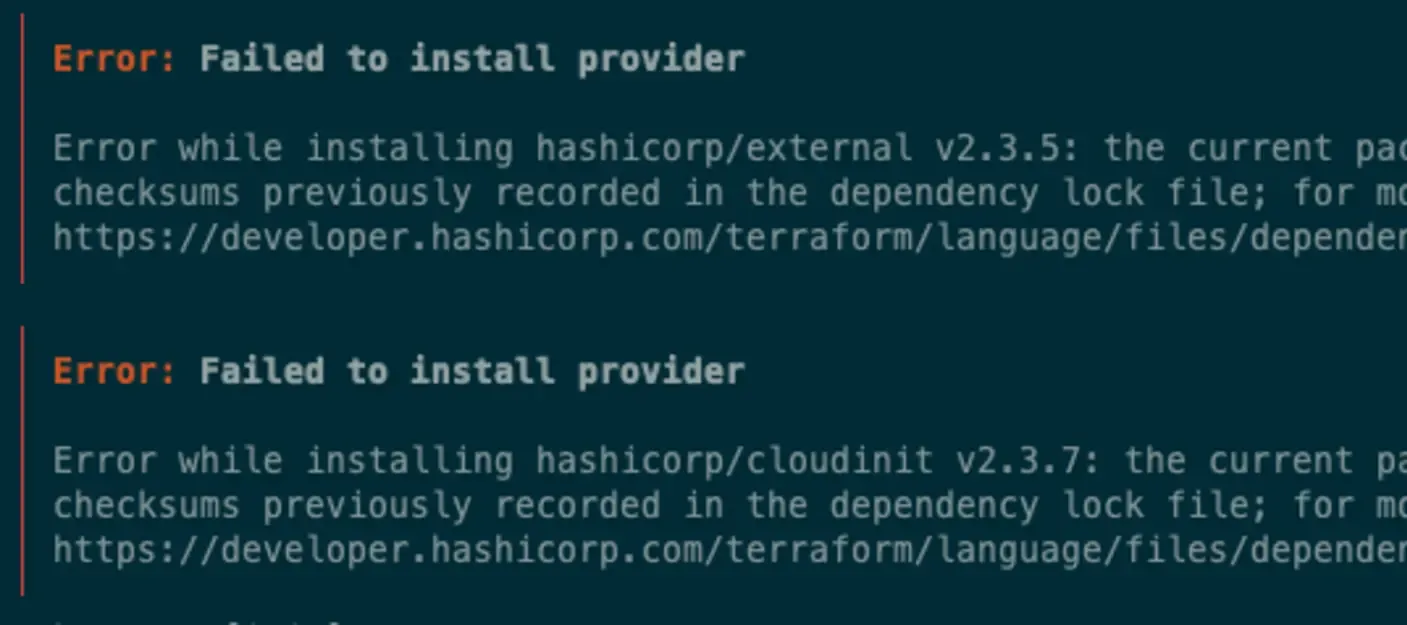
I have been working on Apple M1 for quite a while. It is well supported now, and despite being a bit underpowered in 2026, it still does the job. The open source community caught up and most tools support multiple architectures, so I rarely face issues. But sometimes things do not work out of the box. It has happened to me a few times that different Terraform providers were available only for x86_64 architecture. That is usually not a big deal - you run your changes on a CI/CD machine (which still usually is an x86 server) and everything works, but from time to time you have to quickly hack something and patch it around. And then your build fails:
$ terraform init
...
╷
│ Error: Failed to install provider
│
│ Error while installing hashicorp/external v2.3.5: the current package for registry.terraform.io/hashicorp/external 2.3.5 doesn't match any of the
│ checksums previously recorded in the dependency lock file; for more information:
│ https://developer.hashicorp.com/terraform/language/files/dependency-lock#checksum-verification
╵
╷
│ Error: Failed to install provider
│
│ Error while installing hashicorp/cloudinit v2.3.7: the current package for registry.terraform.io/hashicorp/cloudinit 2.3.7 doesn't match any of the
│ checksums previously recorded in the dependency lock file; for more information:
│ https://developer.hashicorp.com/terraform/language/files/dependency-lock#checksum-verification
╵
I am quickly checking the provider versions - they are latest. Terraform version? Looks fine. What the heck? And that is the moment, this nibbling feeling - could it be ARM?
I found a workaround with Rosetta1 - Apple’s compatibility layer that runs x86 binaries automatically. I just forgot how to use it with Terraform, so this time I am making notes here 😄
Install Rosetta
That is the first step. You may need to install it, although Developer Tools often installs it automatically:
softwareupdate --install-rosetta --agree-to-license
Running Terraform with Rosetta
Now we need to force Terraform to run via Rosetta. I use tfenv2 as a version manager for Terraform so it can install any version I need, and I just have to call it like this:
arch -x86_64 terraform init
This way we force it to run as x86 and it can download providers that do not support ARM yet. There are more hacks if you want to keep both ARM and x86 versions in lock file, which are nicely described on oneuptime.com .
Enjoyed this post?
