
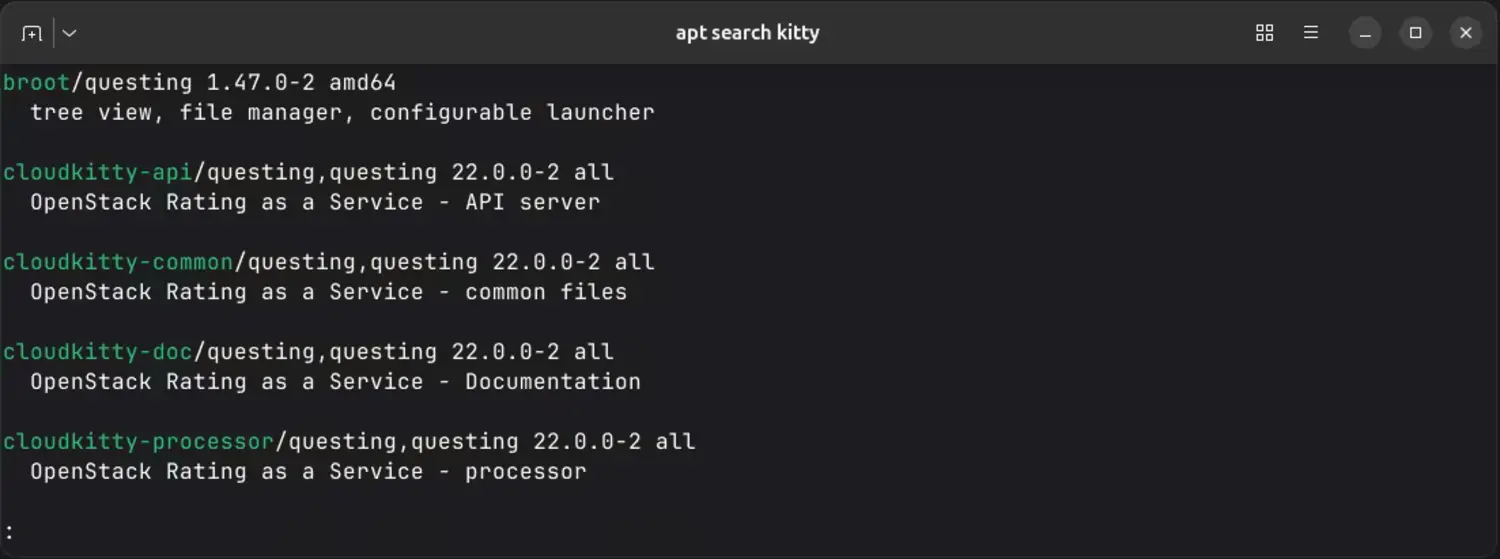
I’m not sure when it happened, but for some time now, apt search has been using a pager (probably less) to display results.
Whatever the reasoning behind this change, it just irritates me. After some digging, I found a few ways to deal with it.
Don’t use apt search
A suboptimal solution is to rely on the older apt-cache command for searching, as it doesn’t use a pager. So, instead of calling:
apt search kitty
I could do this:
apt-cache search kitty
It works, but it requires a few more characters to type. I write enough time over the day writing, to waste time on typing extra characters, so that’s a no for me 😉
Disable with an environment variable
Another option I found was to use an environment variable:
PAGER=cat apt search kitty
But come on! It’s even more to write.
Reconfigure apt to disable the pager permanently
This one took me a while to find, as it’s not easy to find docs for that. You can create a configuration file to disable the pager for apt entirely.
This is the best way to do it, as it disables the pager without affecting other features like colorized output.
sudo tee /etc/apt/apt.conf.d/99-no-pager > /dev/null << EOF
Binary::apt::Pager "false";
EOF
Now, apt search will print directly to the terminal, just like it used to (and in color!).
Enjoyed this post?
